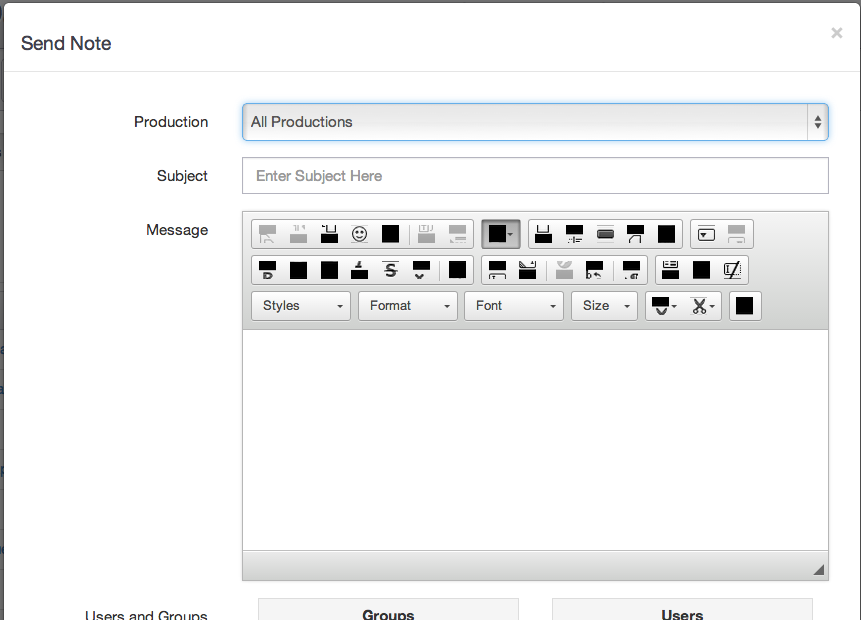
Fix blocked-out icons in the text editor
🔴🔵 StageStock & VirtualCallboard
If the buttons in the text editor's toolbar (bold, italic, lists and the rest) show up as blank boxes, your browser is holding an old copy of the editor's files. Clearing the cache and reloading fixes it.
- Open your browser's clear-data window. In Chrome, Edge and Firefox, press Ctrl+Shift+Delete (Cmd+Shift+Delete on a Mac). In Safari, choose Safari > Settings > Privacy > Manage Website Data and remove this site's data.
- Choose Cached images and files.
- Clear the data, then reload the page.
The toolbar should now show its icons again.